OpticPOS Journey
OpticPOSLoading the store… 0/8
Book a Demo
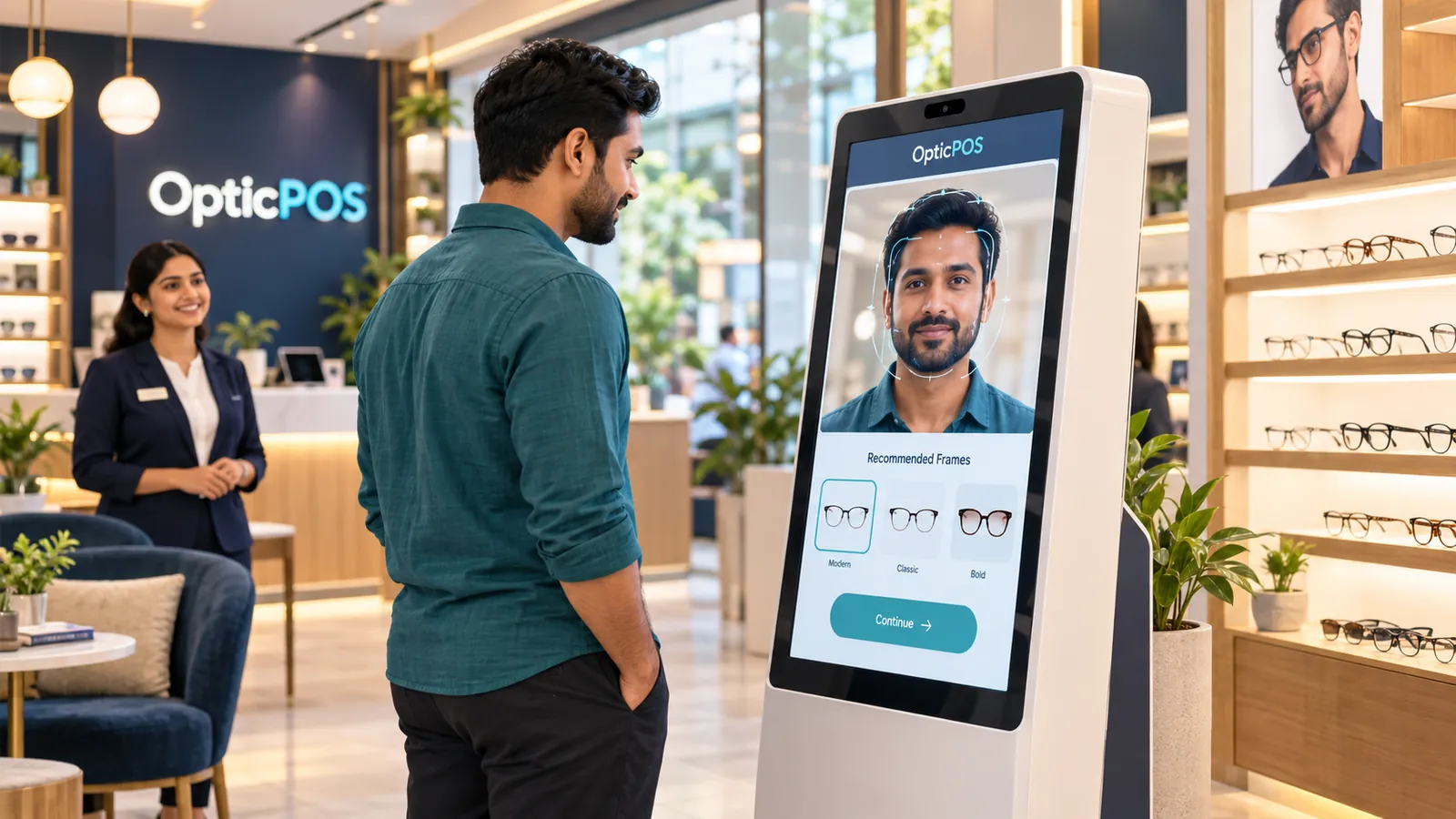
A customer in a teal shirt faces the OpticPOS check-in kiosk while a staff member smiles behind him
Checked in · Arjun Mehta Face shape · Oval Best match · Modern
00:00–00:05 · Check-in

A smarter welcome.

Arjun walks in and checks in at the kiosk. A face-analysis outline appears, followed by frame styles that suit him.
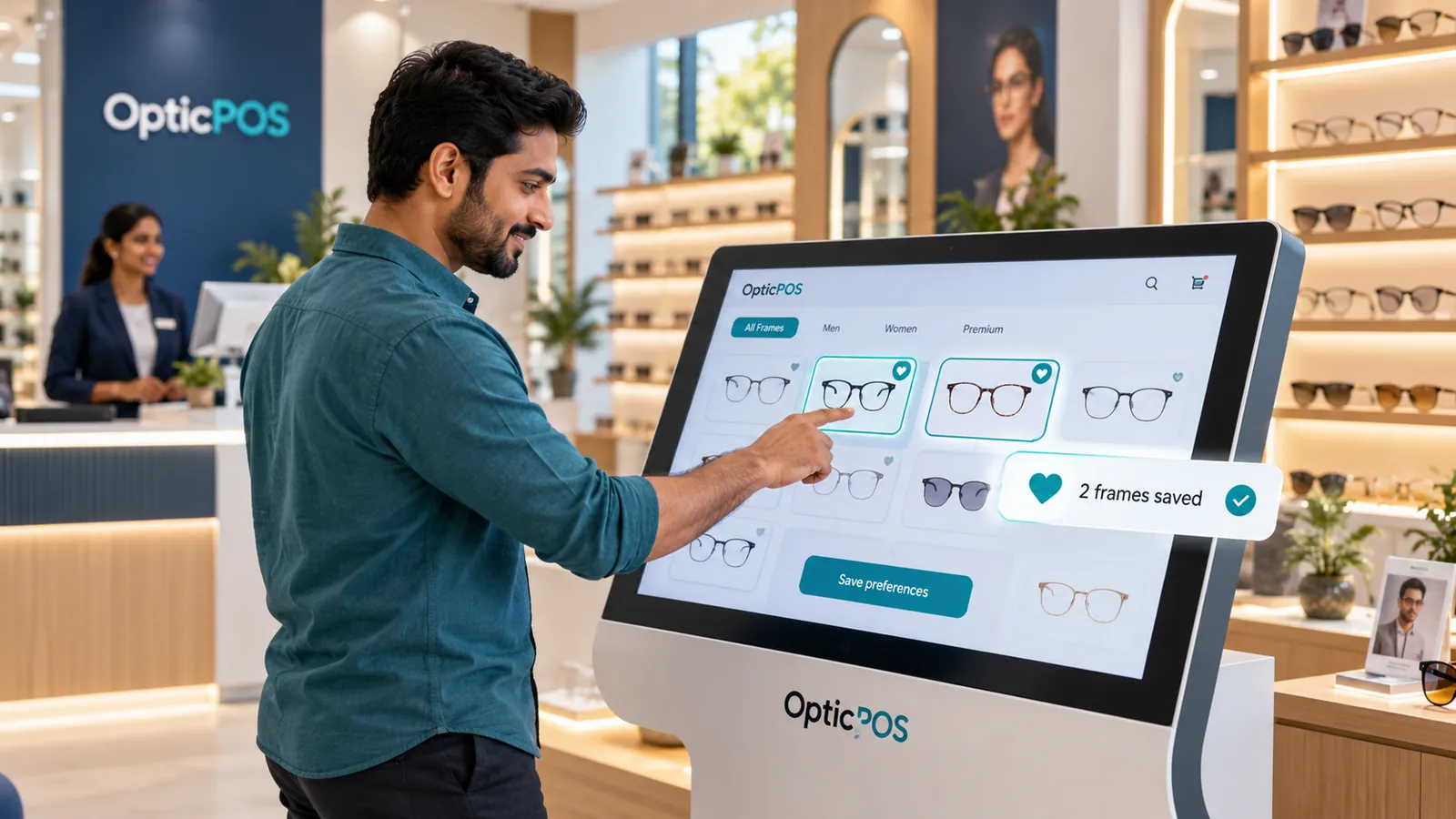
The customer taps frames on the OpticPOS catalog touchscreen and saves two favourites
Browsing · All Frames Preferences saved to Arjun’s profile
00:05–00:10 · Frames

Discover. Choose. Save.

The catalog opens on the kiosk. He browses, marks favourites and saves his preferences with one tap.

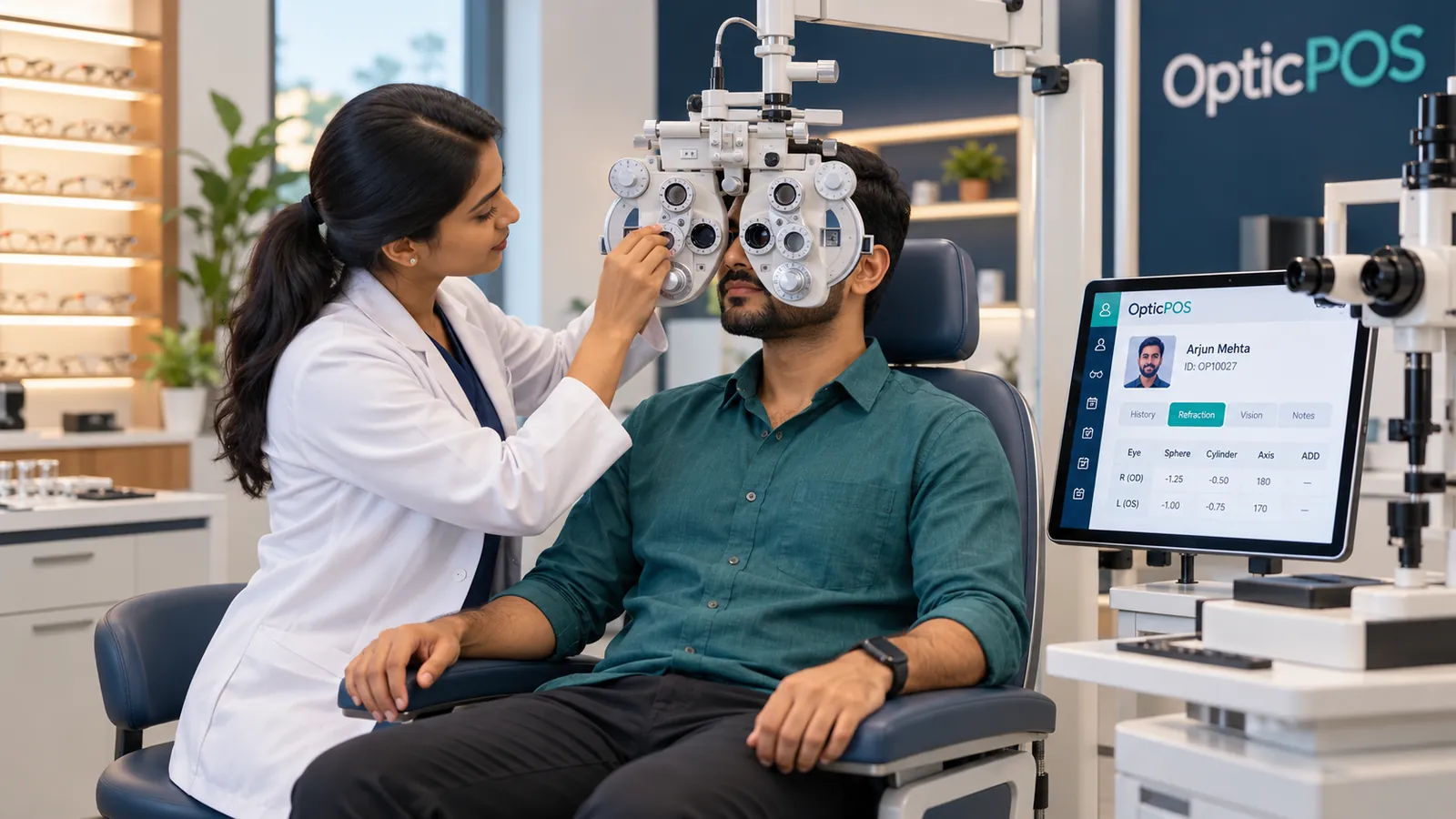
An optometrist runs an eye examination with a phoropter while the OpticPOS screen beside them shows the customer profile
Profile synced · Arjun Mehta Refraction recorded
00:10–00:15 · Eye exam

Connected care begins here.

In the exam room the optometrist works while his profile is already open on the screen beside her.

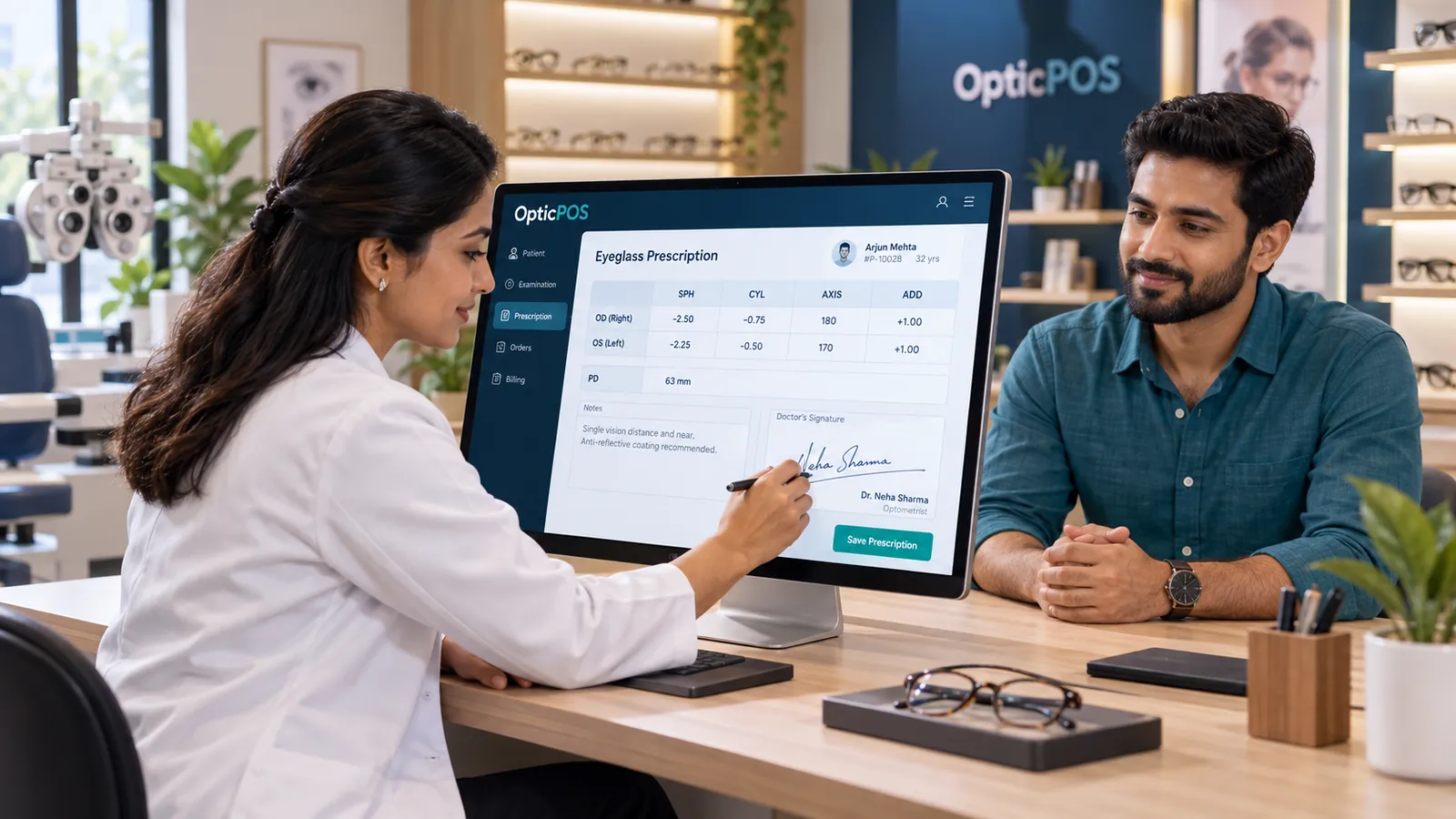
The optometrist signs an eyeglass prescription on the OpticPOS screen while the customer watches
Signed · Dr. Neha Sharma
00:15–00:20 · Prescription

Prescribed. Signed. Connected.

Sphere, cylinder, axis and add are entered, the optometrist signs, and the prescription is saved to his record.

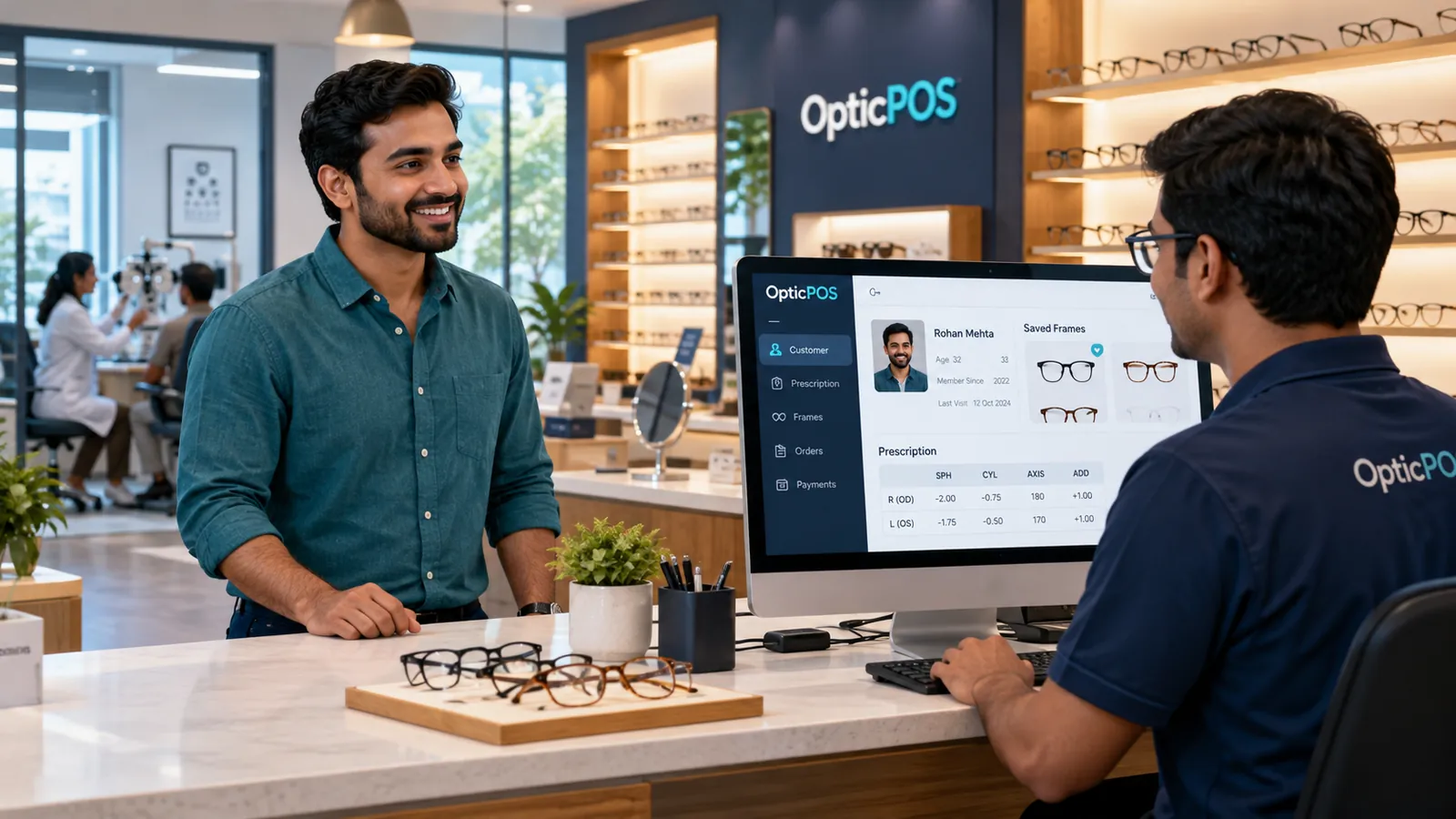
At the counter, a staff member opens the customer record on the OpticPOS screen as the customer smiles
Customer Saved frames Signed prescription
00:20–00:25 · Handoff

Your team has everything ready.

As he reaches the counter, his details, signed prescription and saved frames are already on screen.

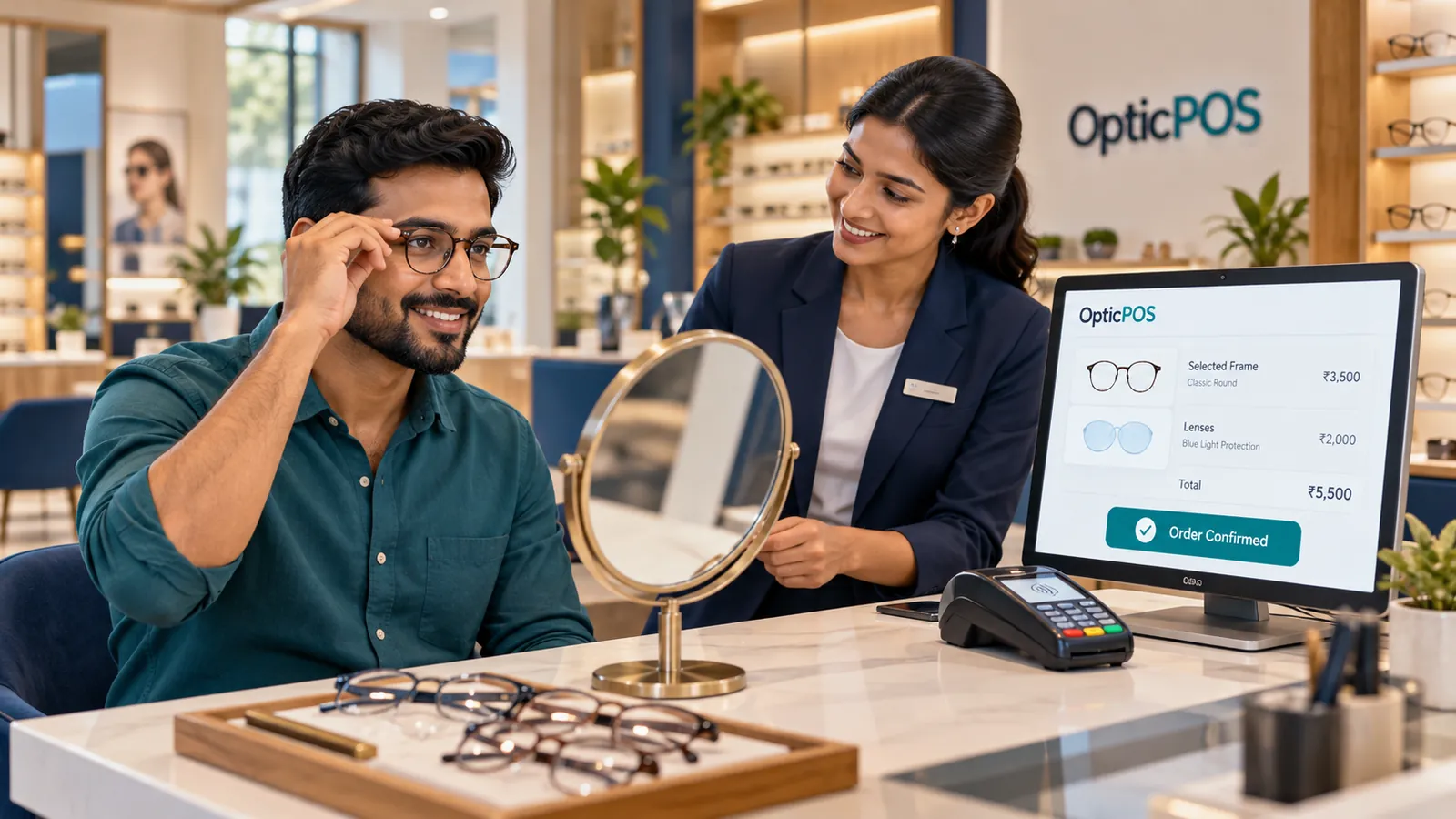
The customer tries on glasses in a mirror while staff confirm the order and payment on the OpticPOS screen
Payment received · ₹5,500
00:25–00:30 · Checkout

From preference to purchase.

Staff help him try frames and choose lenses. The order is confirmed and payment is recorded on the same screen.

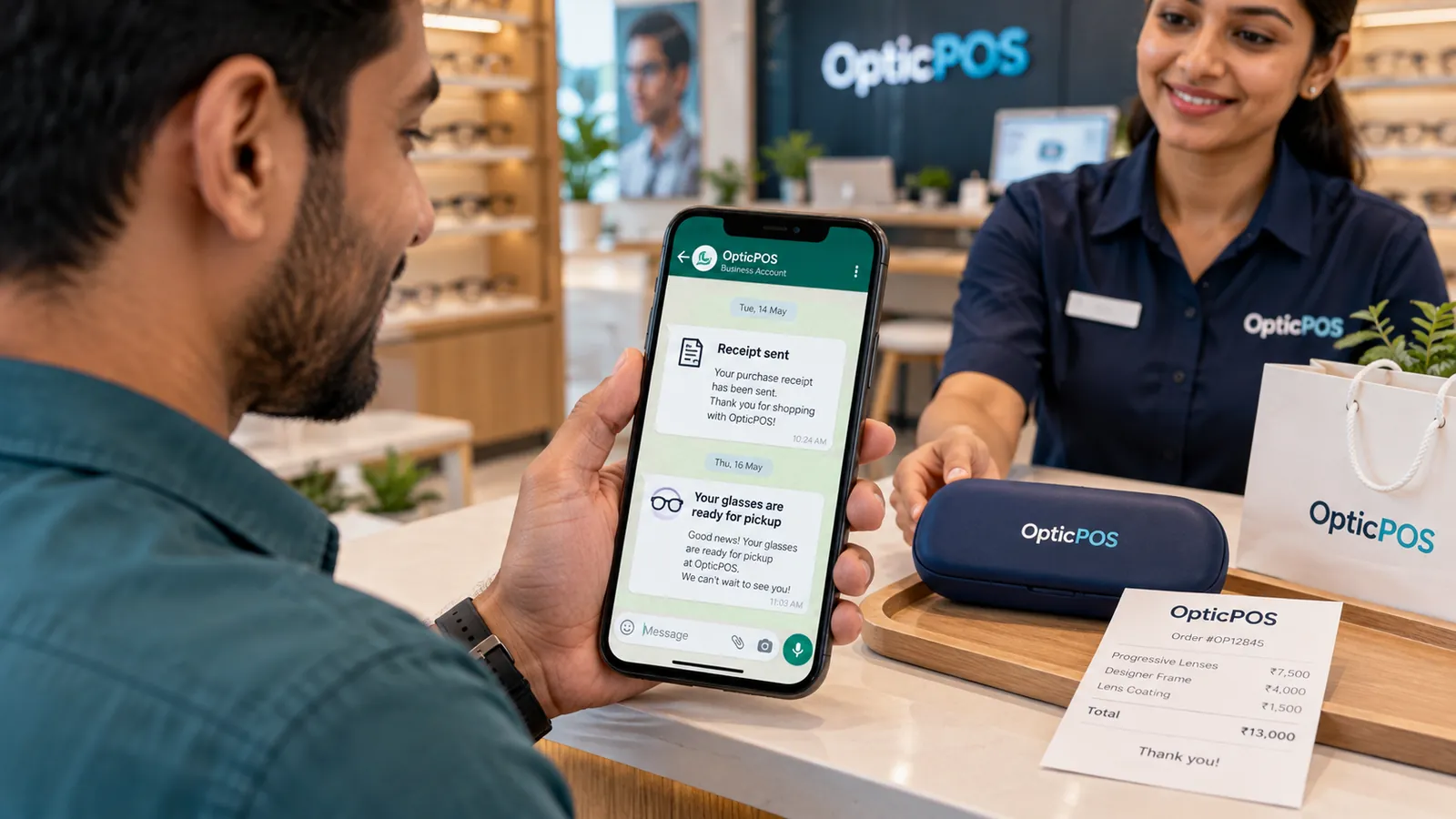
Close-up of the customer's phone showing a WhatsApp receipt and a message that his glasses are ready for pickup
Receipt sent · Tue 14 May Ready for pickup · Thu 16 May

When the order is ready

TUE 14 MAY · ORDER PLACEDTHU 16 MAY · LENSES READY
00:30–00:35 · WhatsApp

Keep customers informed.

A receipt lands on WhatsApp right after checkout. When the glasses are ready, a pickup message follows.

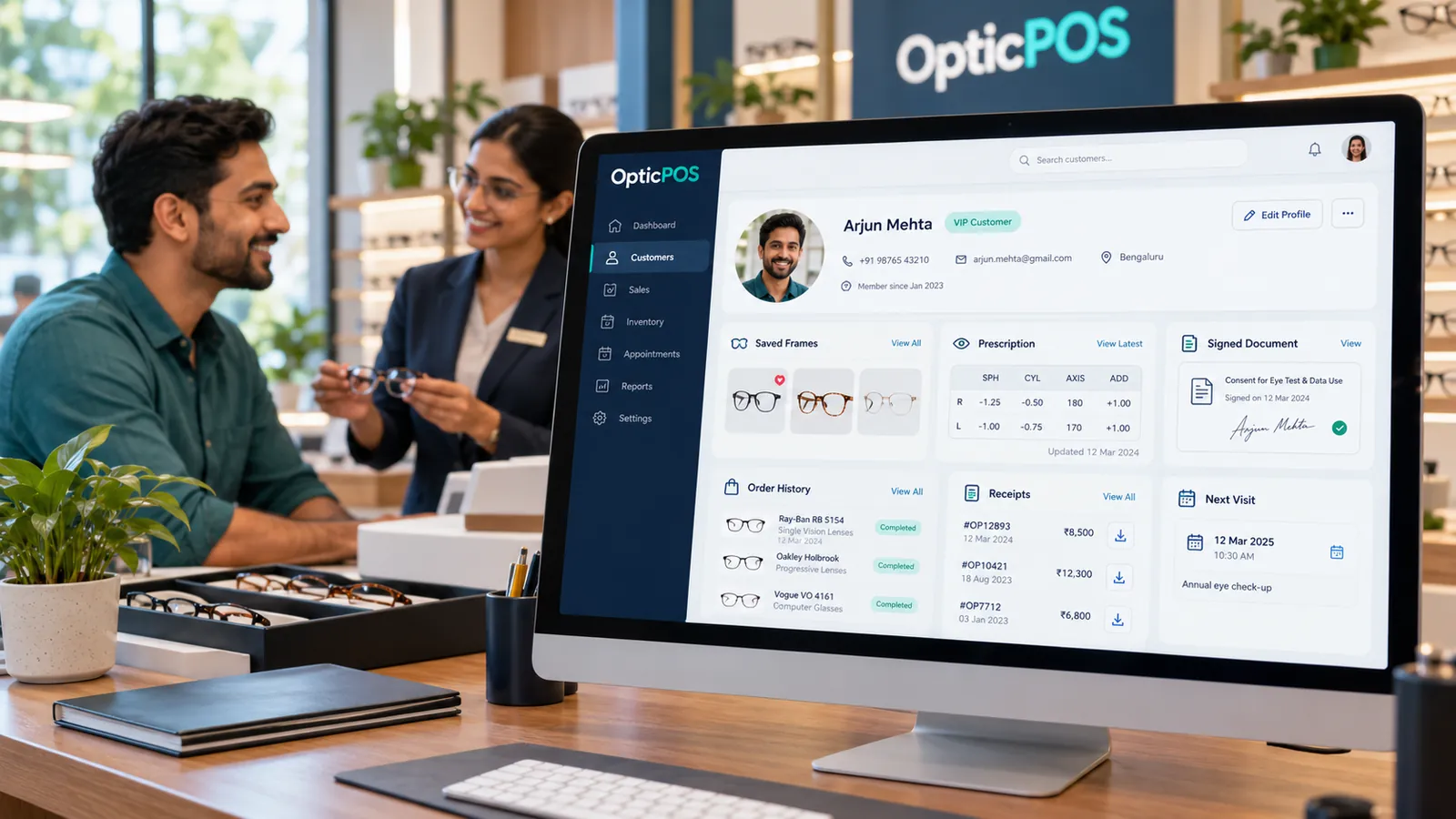
The OpticPOS customer profile showing contact details, saved frames, prescription, signed document, order history, receipts and next visit
Contact details Saved preferences Examination history Signed prescriptions Orders Payments & receipts Visit reminders
00:35–00:40 · One profile

One customer. Every visit connected.

Contact details, preferences, exam history, signed prescriptions, orders, payments, receipts and reminders all sit in one profile.

OpticPOS — From first hello to the next visit.

One platform for check-in, exams, prescriptions, billing, lab and follow-up.

Book a Demo Or try the self-serve demo · write to support@opticpos.com